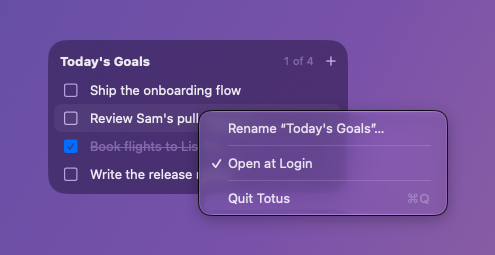
Today's goals, always floating above your windows
Download for MacHover to use it


-
Doesn't take focusCheck off, add, and edit goals without leaving the app you're in.
-
Send to Totus from any appSelect text, right-click, and choose Send to Totus. Each line becomes a goal.
-
Stays on your MacNo account and no sync. Your goals are saved in a file on your Mac.
Install
Unzip the download, drag Totus into Applications, and open it. To have it start when you log in, choose Open at Login from the right-click menu.
Download for Mac